Metadata
| Feature id | docx/multi-level-list |
|---|---|
| Format | docx |
| Category | lists |
| Spec | ecma-376-5-part-1 § 17.9.11 w:ilvl |
XPath assertions
| ID / part | Predicate | XPath | python-docx | docxjs |
|---|---|---|---|---|
multi-level-list-level-0-presentword/document.xml | existThe level-0 paragraph must carry pStyle='ListBullet' and contain the fixture text 'Level 0 item'. | //w:p[w:pPr/w:pStyle[@w:val='ListBullet']][w:r/w:t[normalize-space()='Level 0 item']] | — | — |
multi-level-list-level-1-presentword/document.xml | existThe level-1 paragraph must carry pStyle='ListBullet2' and contain the fixture text 'Level 1 item'. | //w:p[w:pPr/w:pStyle[@w:val='ListBullet2']][w:r/w:t[normalize-space()='Level 1 item']] | — | — |
multi-level-list-level-2-presentword/document.xml | existThe level-2 paragraph must carry pStyle='ListBullet3' and contain the fixture text 'Level 2 item'. | //w:p[w:pPr/w:pStyle[@w:val='ListBullet3']][w:r/w:t[normalize-space()='Level 2 item']] | — | — |
Render assertions
| ID | Predicate | Selector | python-docx | docxjs |
|---|---|---|---|---|
multi-level-list-level-0-rendered | css_selector/ match-text = Level 0 itemA level-0 list-item DOM node must contain the first fixture item. | .docx-wrapper ul li, .docx-wrapper [data-style='List Bullet'], .docx-wrapper [class*='ListBullet'], .docx-wrapper [class*='list-bullet'], .docx-wrapper | — | pass |
multi-level-list-level-1-rendered | css_selector/ match-text = Level 1 itemA level-1 list-item DOM node (nested ul, or a paragraph carrying the List Bullet 2 style) must contain the second fixture item. | .docx-wrapper ul ul li, .docx-wrapper [data-style='List Bullet 2'], .docx-wrapper [class*='ListBullet2'], .docx-wrapper [class*='list-bullet-2'], .docx-wrapper | — | fail |
multi-level-list-level-2-rendered | css_selector/ match-text = Level 2 itemA level-2 list-item DOM node (nested ul ul, or a paragraph carrying the List Bullet 3 style) must contain the third fixture item. | .docx-wrapper ul ul ul li, .docx-wrapper [data-style='List Bullet 3'], .docx-wrapper [class*='ListBullet3'], .docx-wrapper [class*='list-bullet-3'], .docx-wrapper | — | fail |
multi-level-list-item-count | css_selector/ equal-countExactly three list-item DOM nodes must be rendered across the three graduated levels. Catches phantom or dropped items. Includes docxjs's `p.docx-num-<id>-<lvl>` list-item markup in the selector fallback chain. | .docx-wrapper ul li, .docx-wrapper [data-style^='List Bullet'], .docx-wrapper [class*='ListBullet'], .docx-wrapper p[class*='-num-'] | — | — |
Generator source
scripts/gen_multi_level_list.py
#!/usr/bin/env python3
"""Generate ``fixtures/docx/multi-level-list.docx``.

A minimal document exercising three bullet indent levels via the
built-in ``List Bullet``, ``List Bullet 2`` and ``List Bullet 3``
paragraph styles. Designed to satisfy the assertions in
``features/docx/multi-level-list.json``.
"""

from __future__ import annotations

from pathlib import Path

from docx import Document

_REPO_ROOT = Path(__file__).resolve().parent.parent
_OUT = _REPO_ROOT / "fixtures" / "docx" / "multi-level-list.docx"


def main() -> int:
    doc = Document()
    doc.add_paragraph("Level 0 item", style="List Bullet")
    doc.add_paragraph("Level 1 item", style="List Bullet 2")
    doc.add_paragraph("Level 2 item", style="List Bullet 3")
    _OUT.parent.mkdir(parents=True, exist_ok=True)
    doc.save(_OUT, reproducible=True)
    print(_OUT)
    return 0


if __name__ == "__main__":
    raise SystemExit(main())
Manifest (expanded)
{
  "$schema": "../manifest.schema.json",
  "id": "docx/multi-level-list",
  "title": "Multi-level list",
  "format": "docx",
  "category": "lists",
  "summary": "Three paragraphs at graduated indent levels using the List Bullet, List Bullet 2, and List Bullet 3 built-in styles.",
  "spec": {
    "source": "ecma-376-5-part-1",
    "clause": "17.9.11",
    "element": "w:ilvl",
    "rnc_reference": "spec/ecma-376-5/part-1/rnc/WordprocessingML.rnc",
    "xsd_reference": "spec/ecma-376-5/part-1/xsd/wml.xsd",
    "notes": "Multi-level lists are expressed through an ilvl on w:numPr, or (as here) via pStyle pointing at a level-specific list style such as 'ListBullet2'. Word collapses whitespace in style names, so 'List Bullet', 'List Bullet 2', 'List Bullet 3' become pStyle w:val='ListBullet', 'ListBullet2', 'ListBullet3' in the XML. Level 0 uses the unsuffixed 'ListBullet'."
  },
  "fixtures": {
    "machine": "docx/multi-level-list",
    "office": "docx/multi-level-list"
  },
  "generator": {
    "python": "scripts/gen_multi_level_list.py"
  },
  "assertions": [
    {
      "id": "multi-level-list-level-0-present",
      "part": "word/document.xml",
      "namespaces": {
        "w": "http://schemas.openxmlformats.org/wordprocessingml/2006/main"
      },
      "xpath": "//w:p[w:pPr/w:pStyle[@w:val='ListBullet']][w:r/w:t[normalize-space()='Level 0 item']]",
      "must": "exist",
      "description": "The level-0 paragraph must carry pStyle='ListBullet' and contain the fixture text 'Level 0 item'."
    },
    {
      "id": "multi-level-list-level-1-present",
      "part": "word/document.xml",
      "namespaces": {
        "w": "http://schemas.openxmlformats.org/wordprocessingml/2006/main"
      },
      "xpath": "//w:p[w:pPr/w:pStyle[@w:val='ListBullet2']][w:r/w:t[normalize-space()='Level 1 item']]",
      "must": "exist",
      "description": "The level-1 paragraph must carry pStyle='ListBullet2' and contain the fixture text 'Level 1 item'."
    },
    {
      "id": "multi-level-list-level-2-present",
      "part": "word/document.xml",
      "namespaces": {
        "w": "http://schemas.openxmlformats.org/wordprocessingml/2006/main"
      },
      "xpath": "//w:p[w:pPr/w:pStyle[@w:val='ListBullet3']][w:r/w:t[normalize-space()='Level 2 item']]",
      "must": "exist",
      "description": "The level-2 paragraph must carry pStyle='ListBullet3' and contain the fixture text 'Level 2 item'."
    }
  ],
  "render_assertions": [
    {
      "id": "multi-level-list-level-0-rendered",
      "kind": "css_selector",
      "selector": ".docx-wrapper ul li, .docx-wrapper [data-style='List Bullet'], .docx-wrapper [class*='ListBullet'], .docx-wrapper [class*='list-bullet'], .docx-wrapper",
      "must": "match-text",
      "value": "Level 0 item",
      "description": "A level-0 list-item DOM node must contain the first fixture item."
    },
    {
      "id": "multi-level-list-level-1-rendered",
      "kind": "css_selector",
      "selector": ".docx-wrapper ul ul li, .docx-wrapper [data-style='List Bullet 2'], .docx-wrapper [class*='ListBullet2'], .docx-wrapper [class*='list-bullet-2'], .docx-wrapper",
      "must": "match-text",
      "value": "Level 1 item",
      "description": "A level-1 list-item DOM node (nested ul, or a paragraph carrying the List Bullet 2 style) must contain the second fixture item."
    },
    {
      "id": "multi-level-list-level-2-rendered",
      "kind": "css_selector",
      "selector": ".docx-wrapper ul ul ul li, .docx-wrapper [data-style='List Bullet 3'], .docx-wrapper [class*='ListBullet3'], .docx-wrapper [class*='list-bullet-3'], .docx-wrapper",
      "must": "match-text",
      "value": "Level 2 item",
      "description": "A level-2 list-item DOM node (nested ul ul, or a paragraph carrying the List Bullet 3 style) must contain the third fixture item."
    },
    {
      "id": "multi-level-list-item-count",
      "kind": "css_selector",
      "selector": ".docx-wrapper ul li, .docx-wrapper [data-style^='List Bullet'], .docx-wrapper [class*='ListBullet'], .docx-wrapper p[class*='-num-']",
      "must": "equal-count",
      "count": 3,
      "description": "Exactly three list-item DOM nodes must be rendered across the three graduated levels. Catches phantom or dropped items. Includes docxjs's `p.docx-num-<id>-<lvl>` list-item markup in the selector fallback chain."
    }
  ]
}
Fixture
Download multi-level-list.docx (19.6 KB)Reference preview
Reference (machine, page 1 PNG)
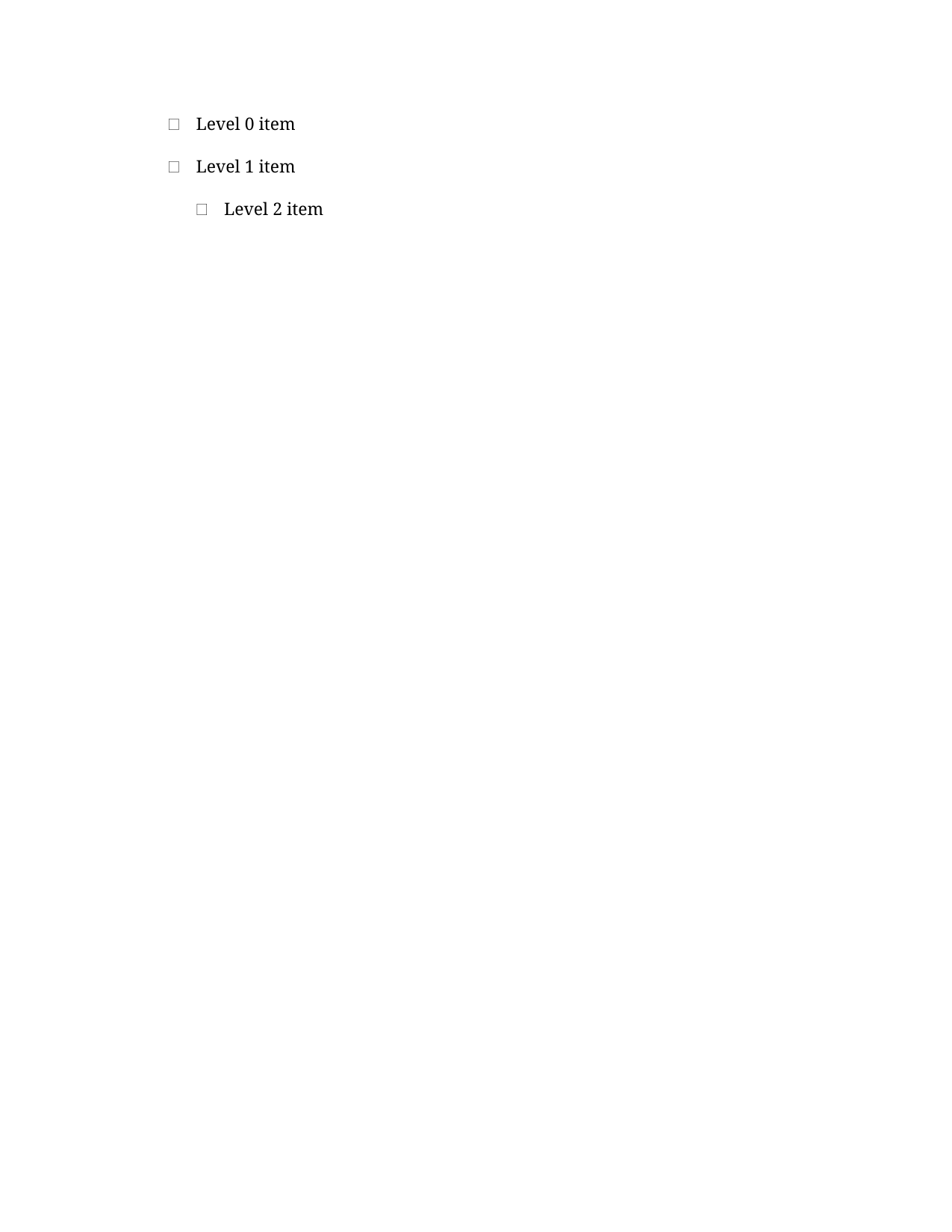
Reference PDF
Download PDF Open in PDF.js
Spec notes
Multi-level lists are expressed through an ilvl on w:numPr, or (as here) via pStyle pointing at a level-specific list style such as 'ListBullet2'. Word collapses whitespace in style names, so 'List Bullet', 'List Bullet 2', 'List Bullet 3' become pStyle w:val='ListBullet', 'ListBullet2', 'ListBullet3' in the XML. Level 0 uses the unsuffixed 'ListBullet'.